API catalog and access applications
API Catalog is the unified service portal. It presents every published API endpoint and builds an enterprise-wide API ecosystem for internal use.
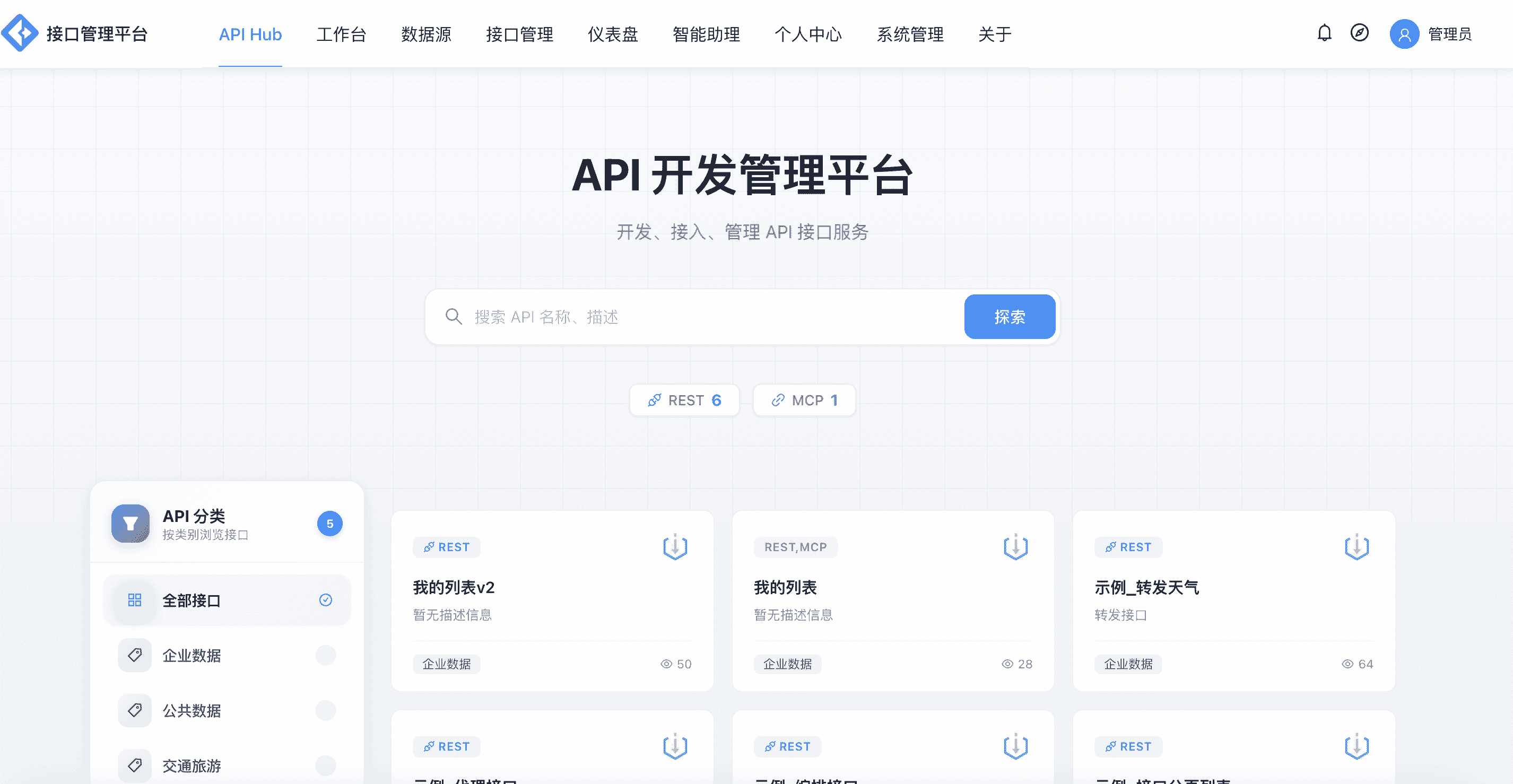
Browse and search
- Groups and categories: APIs are organized by a group tree plus category tags, and support keyword search
- API detail page: includes API documentation, request/response parameter descriptions, authentication methods and calling examples
- Document export: the API detail page supports exporting DOCX documents for offline review and delivery
Access applications and approval
The process for a caller to obtain API permissions:
- Click Apply for Access on the API detail page
- Select the app to use (or create a new app)
- Submit the application and wait for the API owner's approval
- Once approved, the API is automatically authorized to the app and the credential works immediately
About the approval flow:
- Applicants can check the application status or withdraw the application in the Personal Center
- Approvers handle to-dos in the Personal Center (approve / reject / terminate)
- In-app message notifications provide unread reminders
Apps and credentials
- An app holds a unique
AppKey/AppSecretand can be authorized for multiple APIs - Apps support enable/disable status switching; once disabled, all calls are rejected
- A credential IP whitelist can be configured to restrict call origins
- AppSecret can be reset if it is leaked
See the Signature Authentication Guide for authentication details.
API lifecycle
Status transitions from creation to destruction:
- Multi-environment release: independent release snapshots for the dev / test / production environments
- Version management: release history is queryable, and versions can be rolled back and synced across environments
- API migration: migration package export and import are supported for cross-environment or cross-project moves
- Contract import and export: the Workbench supports preview, import and export of OpenAPI contracts (the entry point is in the Workbench, not in API Hub)
For the full release and migration procedures, see Environments and releases and Version migration.