ApiGo documentation center
ApiGo is an API / MCP building and governance platform for enterprises: it orchestrates databases, third-party APIs and multiple existing APIs into standard REST APIs or MCP tools, and performs authentication, authorization, rate limiting and circuit breaking, caching, IP control, WAF, logging and alerting uniformly at the gateway layer.
The current documentation corresponds to product version V5.1. The content is organized as "Getting started → Platform and permissions → Data connectivity → API development → Management and open platform → AI and MCP → Security governance → Architecture design → Reference", and the left navigation can be expanded level by level.
Reading paths by role
| Role | Recommended path |
|---|---|
| First-time user | Quick start → Core concepts → Workbench |
| API developer | SQL mode → API definition → Data plugins → Testing and Mock |
| Platform administrator | Project space → Login and SSO → Permission model → System parameters |
| API caller | Credentials → Signature authentication → Subscriptions and approval |
| AI / MCP integrator | AI assistant → Agent management → Credential MCP access |
| Operations and architecture | Architecture overview → Configuration sync → Deployment and License |
Product capability map
UI quick tour
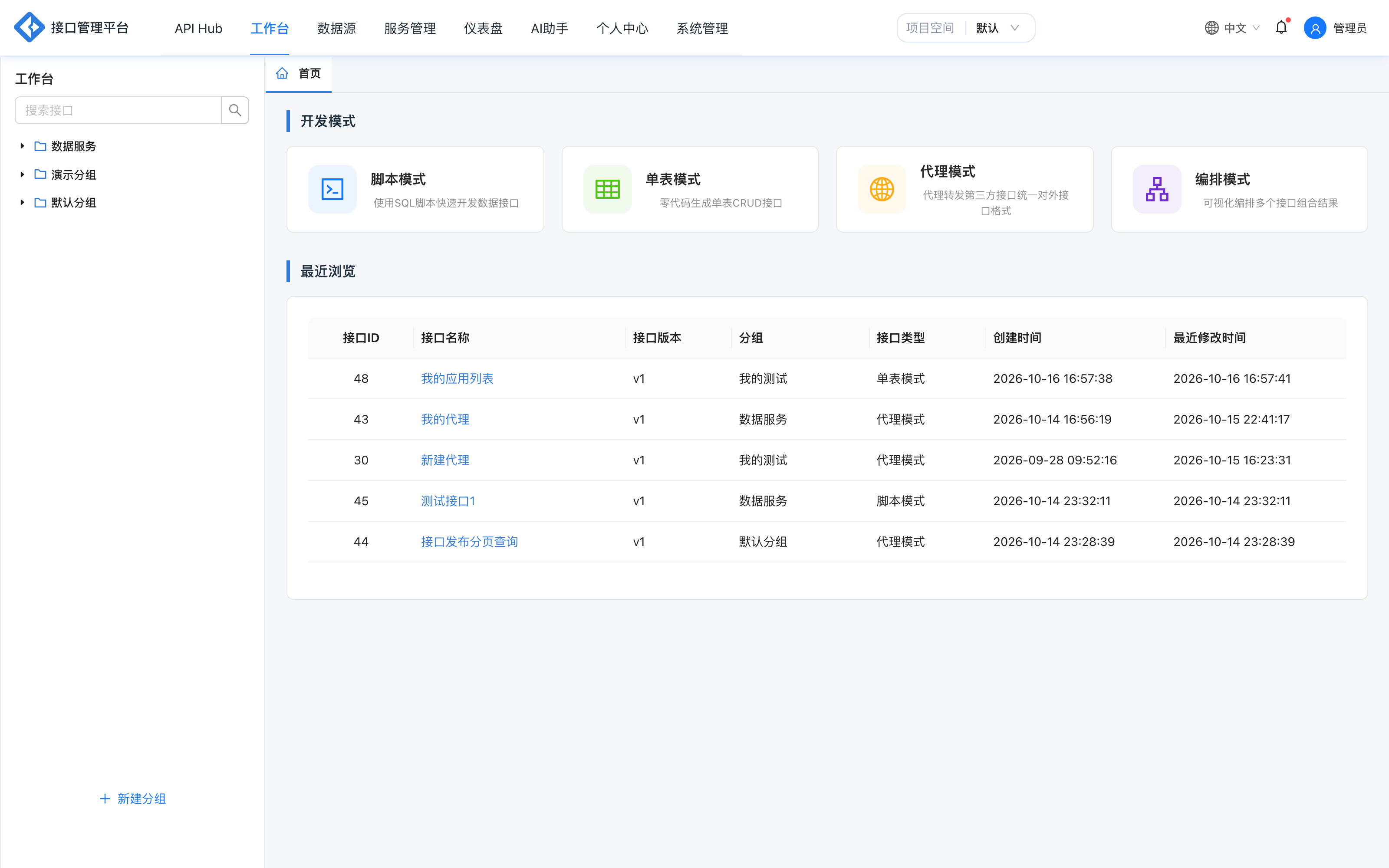
Workbench
Four development modes and a recently viewed list; this is the main entry point for API development.
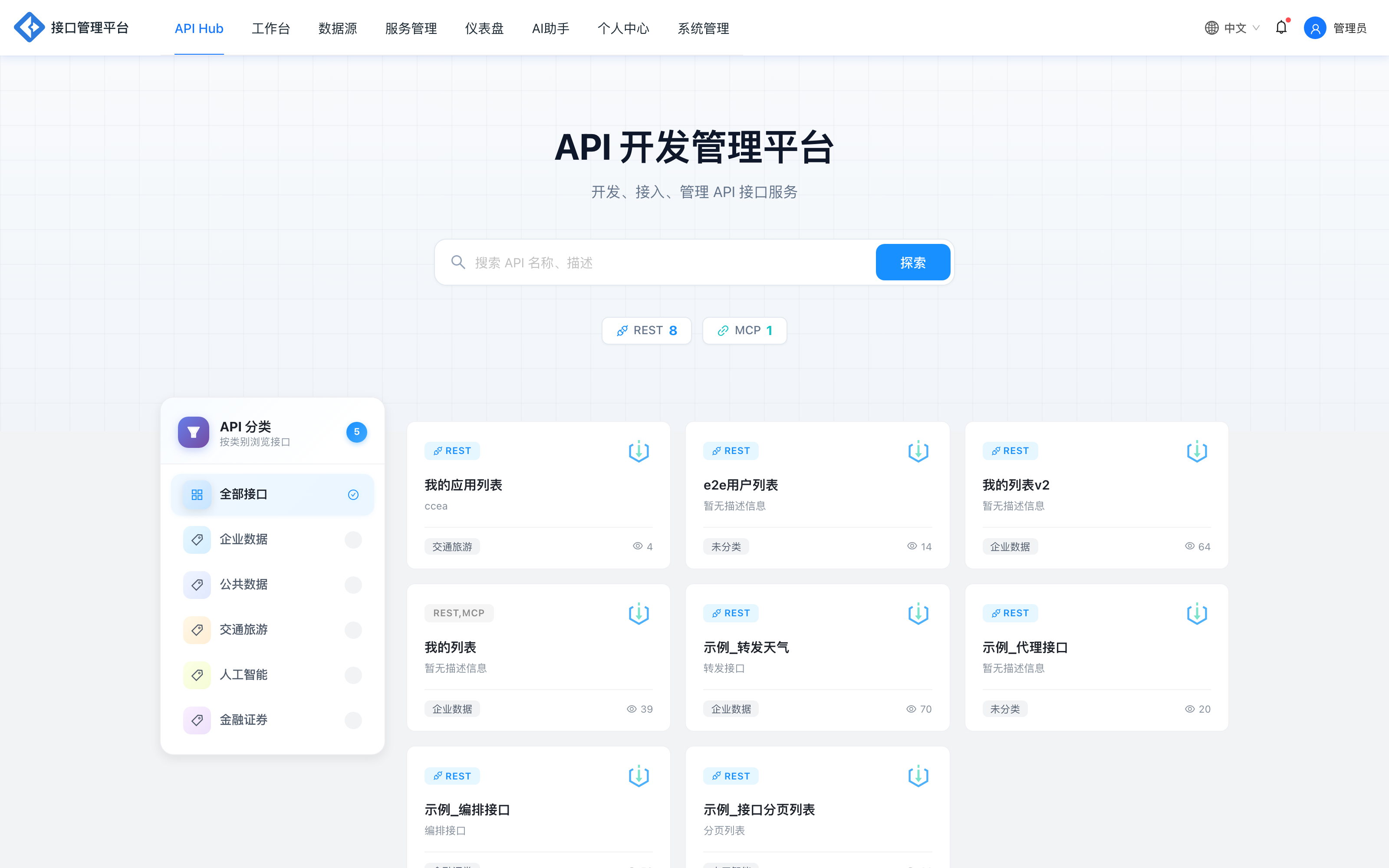
API Hub
Shows only APIs that are online, in the production environment and at the public permission level; filterable by REST and MCP protocol.
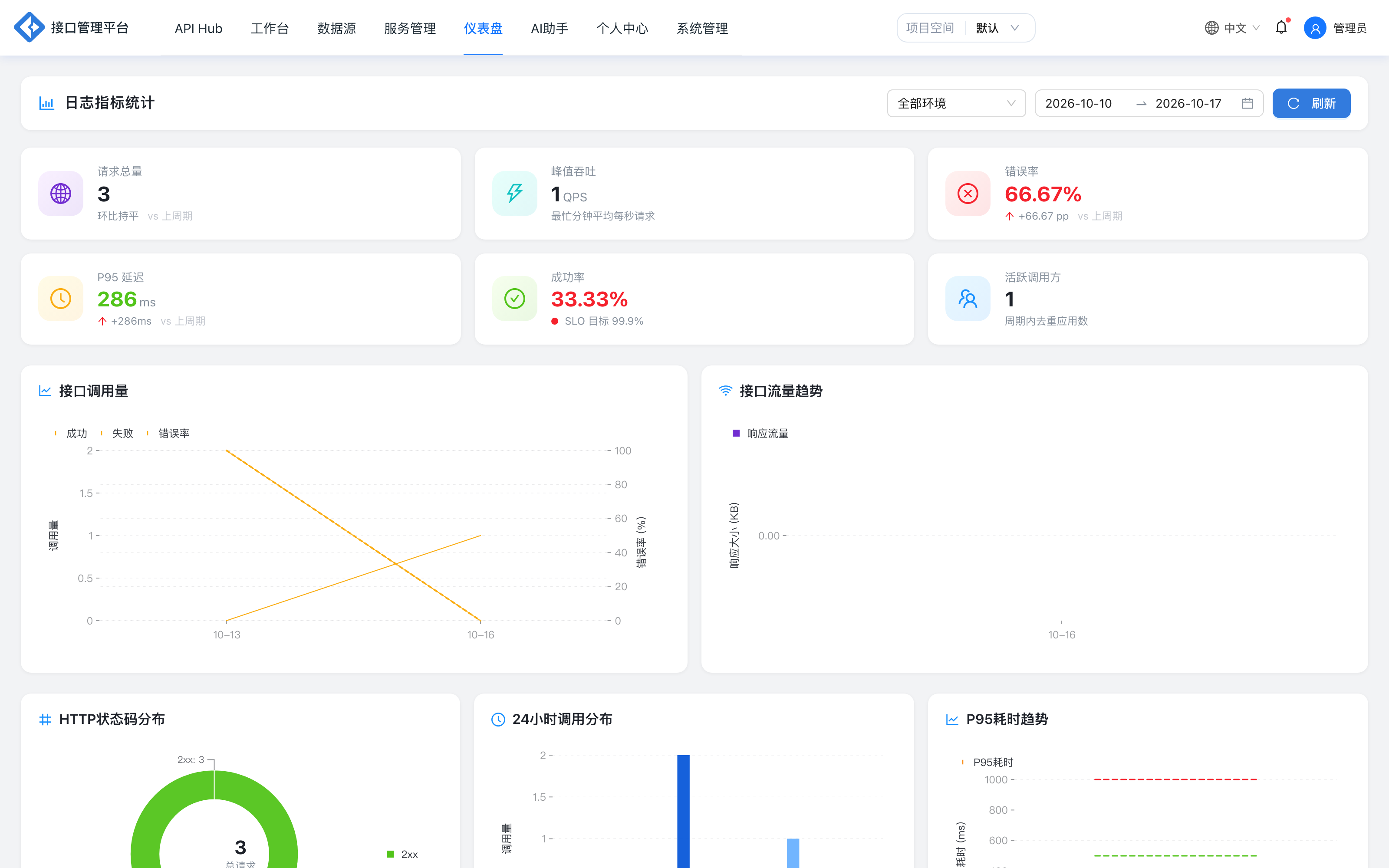
Dashboard
View metrics by environment, including call volume, traffic trends, popular APIs, latency ranking, status code and API type distribution.
Documentation conventions
- UI paths: always written as "menu → submenu", for example [Service management → API list].
- Environments:
devis the built-in development environment; each project may have only one production environment. - Request headers: the gateway uniformly uses the
X-*prefix, for exampleX-AppKey,X-Timestamp,X-Nonce,X-Sign,X-Project-IdandX-Trace-Id. - Response structure: open APIs always return the four fields
code,msg,dataandtraceId, withcode=200on success. - Code locations: design-logic sections provide key class names to help you troubleshoot against the source code; the documentation does not require readers to have a Java background.
The default local frontend address is http://localhost:7001 and the gateway address is http://localhost:9600. The administrator account is initialized by the deployment team; change the password promptly after the first login.
Version and feedback
| Item | Description |
|---|---|
| Product version | V5.1 |
| Documentation languages | Simplified Chinese / English |
| Applicable deployments | Standalone, Docker, Kubernetes |
| Feedback channel | Product manual mailbox or project maintainers |
If you find that the documentation is inconsistent with product behavior, the running version and source code prevail, and feedback about specific pages and steps is welcome.